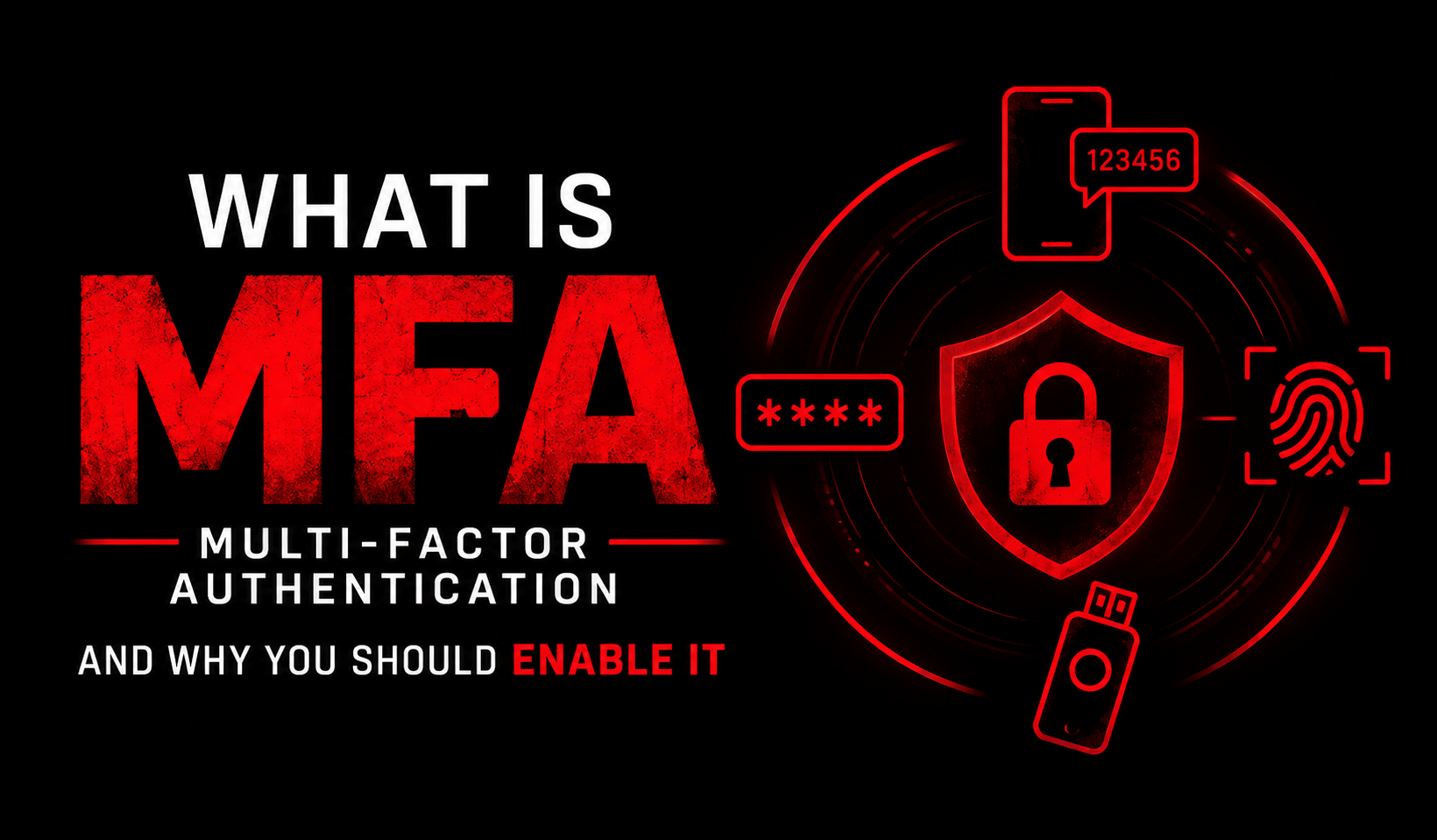
Welcome dear NetworkSecLearners to this new Cybersecurity tutorial in which we are going to explore one of the most important protections available to all of us today which is Multi-Factor Authentication or MFA for short. 😊
I am sure that you have already come across MFA somewhere. Maybe your bank sends you a code by SMS before letting you in, maybe your company asks you to approve a notification on your phone every single morning or whenever you want to you connect to your company network through a VPN or maybe you have one of those applications on your phone showing six digits that keep changing. MFA is everywhere now and yet a lot of people still see it as an annoying extra step instead of what it really is which is one of the most effective defenses we have against account compromise.
What I find interesting about MFA is that it is simple to understand but surprisingly easy to get wrong with. Some methods are genuinely strong and others are far weaker than people believe. And yes, Attackers do bypass MFA more often than you would expect.😉
So, in today’s article, we will see what MFA actually is, compare the different methods available, understand how Attackers defeat them and finish with concrete recommendations for your personal accounts and for company environments.
So grab your coffee, get ready and let’s get started. 😉
1. What Is MFA and Why Passwords Are Not Enough
Multi-Factor Authentication or MFA for short means proving who you claim to be with at least two different kinds of proof instead of just one which is usually a password. In other words, it means that in addition to the password you usually use to login, you need one additional parameter. So, MFA consists in using password and something else to verify who you claim to be. I hope it is clear for you and that you now understand what is behind Multi Factor Authentication. If not, don’t hesitate to ask any questions in the comments section. 😉
So why bother ourselves with this? In order to answer to this question, think a second about what a password really is. It is one secret that can be stolen, guessed, leaked from a website you signed up to in 2019 and forgot about or typed by yourself into a Phishing page that looked exactly right. As you might have guessed it, if any of these happens, then it will mean the game is over for you.😊
And here is the part that always surprises people I talk to. Attackers rarely need to crack anything. When a website gets breached, its list of emails and passwords ends up circulating and Attackers simply try those same combinations everywhere else. Netflix, LinkedIn, your bank, your professional mailbox. We call this Credential Stuffing and the only reason it works so well is that we all reuse passwords. Be honest with yourself for a second. 😂
MFA is what breaks that chain. The Attacker has your password which you reuse on various platforms like Facebook, Gmail, Linkedin etc? Fine because the game is not necesarrily over for you if you use MFA with your accounts. The Attackers will still hit a wall at step two in this case. Awesome, right?
Now let’s go one level deeper because there is a detail here that many people miss. In Cybersecurity, we sort authentication proofs into three families, which we call Factors:
- Something you know : a password, a PIN, your mother’s maiden name
- Something you have : your phone, a hardware key, a smart card
- Something you are : your fingerprint, your face, your voice
Real MFA means picking from two different families or Factors. And this is exactly where I see mistakes. A password plus a secret question is not MFA. Indeed, both of them live in “something you know” Family or Factor and if an Attacker was able to dig up your password, finding your first pet’s name on your social media is not going to slow them down much. A password plus a hardware key on the other hand is genuine MFA because stealing both requires two completely different Attacks.
One last thing before we move on. You will also see the term 2FA or Two-Factor Authentication. It is exactly the same concept but just limited to exactly Two Factors. MFA is the wider family and can go up to three or more.
2. The Different MFA Methods
Now this is where it gets interesting, because “I have MFA enabled” can mean very different things depending on the method. Let’s walk through in this section starting with SMS codes you are all familiar with.
SMS codes : A code arrives by text message, you type it in, done. It is everywhere because it asks nothing from the user beyond a phone number. But look at what is actually happening. That code travels across the mobile network, a network built decades ago for phone calls not for protecting your bank account. And your number is not really tied to you, it is tied to a SIM card that your operator can hand to someone else on a phone call. That said, I want to be very clear here, SMS MFA is still better than no MFA. Do not let anyone convince you otherwise.
Email codes : Unlike the previous method where the code is sent to you you via SMS, with this method, the code lands in your electronic mailbox. Take a moment and you will see the problem yourself : if your email is compromised, so is the second factor. And your email is usually where the password reset links of every other account arrive.
TOTP applications : Those six digits that reset every thirty seconds, in Google Authenticator, Microsoft Authenticator, Aegis and others. TOTP means Time-based One-Time Password and happens when you scan that QR code is that your application and the server agree on a shared secret. After that, both of them mix that secret with the current time and independently compute the same six digits. Nothing about the code ever crosses the network. That is precisely why it beats SMS. There is simply nothing to intercept.
Push notifications : Your phone lights up : “Someone is trying to log in. Approve or deny ?” You tap. Very comfortable and technically solid. The weak point here is not the protocol, it is us. I will come back to this in the next section, and I promise it is worth the wait. 😉
Hardware security keys (FIDO2 / WebAuthn) : A small physical device, a YubiKey for example that you plug in or simply tap. This is the strongest option we have today and the reason deserves a proper explanation. The key runs a cryptographic challenge-response with a private key that physically never leaves the device. But the real magic is elsewhere : the answer is tied to the domain name of the site. So if you are standing on a perfect copy of your bank’s login page, pixel for pixel, the key just refuses to respond because the domain does not match. You literally cannot be tricked into approving the wrong thing even if you want to. We call this phishing resistance and no other method on this list has it.
Biometrics : Your fingerprint, your face. On your phone, what usually happens is that the biometric unlocks a key stored locally in a secure chip so it is convenient and reasonably solid. Just keep one thing in mind : you can change a leaked password in thirty seconds whereas you cannot change your fingerprint.
3. How Attackers Bypass MFA
Thank you for making it to this section which is my favourite one because this is where you finally understand why the choice of method matters so much. Let’s start with the first Attack which is SIM swapping.
3.1 SIM swapping
The Attacker calls your mobile operator, plays the role of you and asks for your number to be moved to a new SIM card. With a bit of personal information gathered beforehand, this Social Engineering succeeds far more often than any of us would like. Once the transfer goes through, every SMS code meant for you rings on the Attacker’s phone instead. Your password plus your phone number and the account is gone. This, right here is the number one reason SMS sits at the bottom of the list.
3.2 Real-time Phishing also called Adversary-in-the-Middle
This one defeats SMS and TOTP equally, so pay attention. The Attacker sets up a proxy sitting between you and the real website. You land on the fake page, you type your password, the proxy instantly forwards it to the real site. The real site asks for your MFA code, the fake page asks you for it, you type it, the proxy forwards it again. The login succeeds, and the Attacker walks away with the session cookie that the real site just issued. And from that moment your password and your codes are irrelevant, because the session is already authenticated. There are ready-made toolkits doing all of this automatically. Notice something though : a hardware key would have stopped this cold, because the fake domain would never have matched.
3.3 MFA fatigue, also called push bombing
The Attacker already has your password and just keeps triggering login attempts. Your phone buzzes at two in the morning. Then again. Then fifteen more times. Sooner or later, somebody taps “approve” simply to make it stop, or approves half asleep without even reading. It sounds far too simple to work, doesn’t it ? It has been behind several very famous breaches.
3.4 Session hijacking through infostealer Malware
If Malware is running on your machine, it can lift the session cookies sitting in your browser. Those cookies represent an authentication that already happened, so the Attacker just replays them and lands straight inside your account. Notice what happened here : MFA was performed perfectly and simply skipped.
3.5 Recovery flow abuse
Sometimes the Attacker does not fight MFA at all. They go through “I lost my phone”, answer two or three security questions, and get MFA reset for them. Your protection is never stronger than your weakest recovery path. If you have read my article on the MITRE ATT&CK Framework, you will recognize most of this under the Credential Access tactic. This is exactly the kind of Attacker behavior the framework was built to document.
4. Best Practices
For your personal accounts, here is what I recommend :
- Turn MFA on everywhere it is offered, and start with your email. Your mailbox is the master key to everything else you own, so protect that one first.
- Move away from SMS whenever a TOTP application is available. And keep SMS when it is the only option because it still beats nothing by a very wide margin.
- Get a hardware key for what really matters : your main email, your password manager, your bank if it supports it, your cloud accounts.
- Save your recovery codes offline and not on the same device that generates your codes. Printed on paper in a drawer is perfectly fine.
- Never approve a push notification you did not trigger yourself. If your phone buzzes for no reason, that means somebody already has your password. Go and change it right now, not later.
In a company environment, a few more things apply:
- Deploy phishing-resistant MFA, meaning FIDO2, on administrators and privileged accounts first. Those are the accounts Attackers are actually after.
- Turn on number matching for push notifications. Instead of a simple approve button, the user has to type a number shown on the login screen. This one change alone kills MFA fatigue attacks.
- Shorten session lifetimes and revoke sessions on suspicious signals. Since stolen cookies are a real bypass path, limiting how long they stay valid limits the damage.
- Take a serious look at your recovery and helpdesk process. An MFA reset granted over a phone call to an unverified caller destroys everything you built above.
- Log and monitor MFA denials. A burst of denied requests on a single account is a very loud signal that a password has already leaked.
Conclusion
Thank you for reading this article till here. 😊
As we have seen throughout this tutorial, Multi-Factor Authentication is probably the best security investment available to us at home and at work. It blocks the vast majority of automated Attacks and it costs almost nothing to enable.
But we also saw that MFA is not magic. SMS falls to SIM swapping, TOTP falls to real-time Phishing, push notifications fall to plain stubbornness and every single method can be bypassed if the session cookie gets stolen or if the recovery process is weak.
So my personal advice is to not stop at “I have MFA enabled”. Ask yourself which method you are actually using and what it truly protects you against. Moving your most important accounts from SMS to a TOTP application takes about ten minutes. And adding a hardware key to your main email is very possibly the best security decision you will make this year.
And please remember this one : MFA protects the login but not the session. Keeping your machine free of Malware matters just as much as the second factor itself.
I hope this article helped you better understand Multi-Factor Authentication and how to use it properly. As always dear NetworkSecLearners, keep learning, stay curious and stay secure ! 😊
And before you go, if this article was interesting and useful for you, please take a second to share it with your friends or colleagues. Also, it will be great if you can leave a comment below telling me which MFA method you use and why.
And don’t forget to subscribe to my newsletters so you never miss the next tutorial. It helps the blog grow and it means a lot to me. 😊